
Table of contents
- Table of contents
- Introduction
- Web (Next.js)
- Android
- Setup (Next.js)
- Protecting routes
- Page-level protection
- Clerk dashboard
- Mobile support
- Summary
Introduction
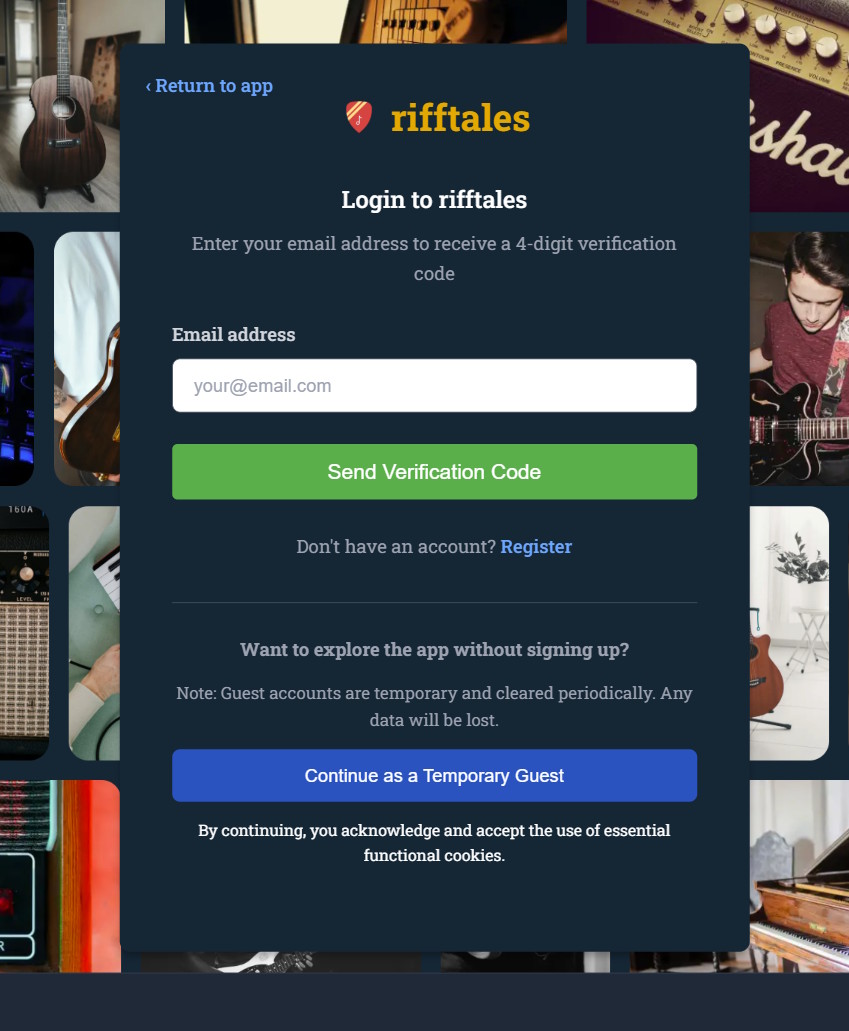
When I built rifftales.net, I rolled my own authentication system from scratch. I did this because I knew exactly what I wanted: a simple setup with no external services, no third-party integrations, and full control over the data model. It also turned out to be a great learning exercise - handling sessions, implementing passwordless flows, and thinking through edge cases gave me a much deeper understanding of how authentication actually works.
That said, building custom authentication isn’t always the right choice.
For applications requiring production-ready, scalable, and feature-rich authentication without reinventing the wheel, Clerk is a strong alternative. It’s a complete authentication and user management solution that can be integrated into applications with minimal setup.
With Clerk:
- Setup and integration can be completed in minutes
- Prebuilt UI components handle sign-in/sign-up
- User management, SSO, and security features are available out of the box
It essentially eliminates the need to build and maintain custom authentication systems.
Demo
The following videos demonstrate Clerk in action:
Web (Next.js)
Android
Setup (Next.js)
I’m using Next.js here, but Clerk supports multiple frameworks.
Create the app
npm create next-app@latest clerk-nextjs -- --yes
cd clerk-nextjs
npm install
Install Clerk
npm install @clerk/nextjsMiddleware setup (important)
A middleware file should be created to integrate Clerk into the application:
import { clerkMiddleware } from '@clerk/nextjs/server'

export default clerkMiddleware()

export const config = {
  matcher: [
    // Skip Next.js internals and static files
    '/((?!_next|[^?]*\\.(?:html?|css|js(?!on)|jpe?g|webp|png|gif|svg|ttf|woff2?|ico|csv|docx?|xlsx?|zip|webmanifest)).*)',
    // Always run for API routes
    '/(api|trpc)(.*)',
  ],
}
What this does
- Runs Clerk on incoming requests
- Ensures authentication context is available everywhere
- Skips static assets for performance
More info: https://clerk.com/docs/reference/nextjs/clerk-middleware
Protecting routes
Specific routes can be protected using Clerk’s middleware helpers:
const isProtectedRoute = createRouteMatcher(['/dashboard(.*)', '/forum(.*)'])

export default clerkMiddleware(async (auth, req) => {
  if (isProtectedRoute(req)) await auth.protect()
})
This will:
- Require login for
/dashboardand/forum - Automatically redirect unauthenticated users
Page-level protection
Pages can also be protected individually instead of using middleware. Here is an example of using the currentUser helper to check if the user is signed in:
import { currentUser } from "@clerk/nextjs/server";

export default async function ProfilePage() {
  const user = await currentUser();

  return (
    <main className="flex min-h-[70vh] flex-col items-center justify-center px-6 py-12 text-center">
      <h1 className="text-3xl font-semibold tracking-tight text-zinc-900 dark:text-zinc-50">
        Profile
      </h1>
      <p className="mt-2 text-sm text-zinc-600 dark:text-zinc-400">
        A simple profile page powered by Clerk.
      </p>

      {!user ? (
        <div className="mt-10 flex flex-col items-center gap-4">
          <p className="max-w-sm text-sm text-zinc-600 dark:text-zinc-400">
            Authentication is required. The sign in button in the header should be used to proceed.
          </p>
        </div>
      ) : (
Running the app
Run the app on (localhost:3000):
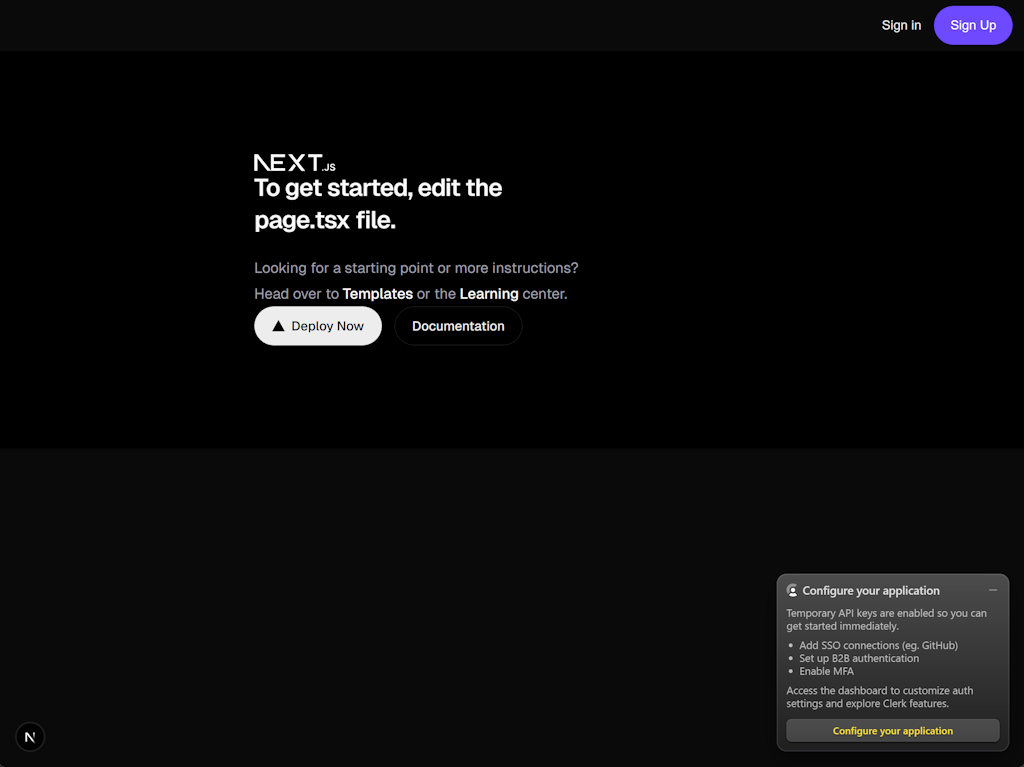
A sign-in/sign-up button has been added to the UI.
Clicking Sign Up takes redirects to:
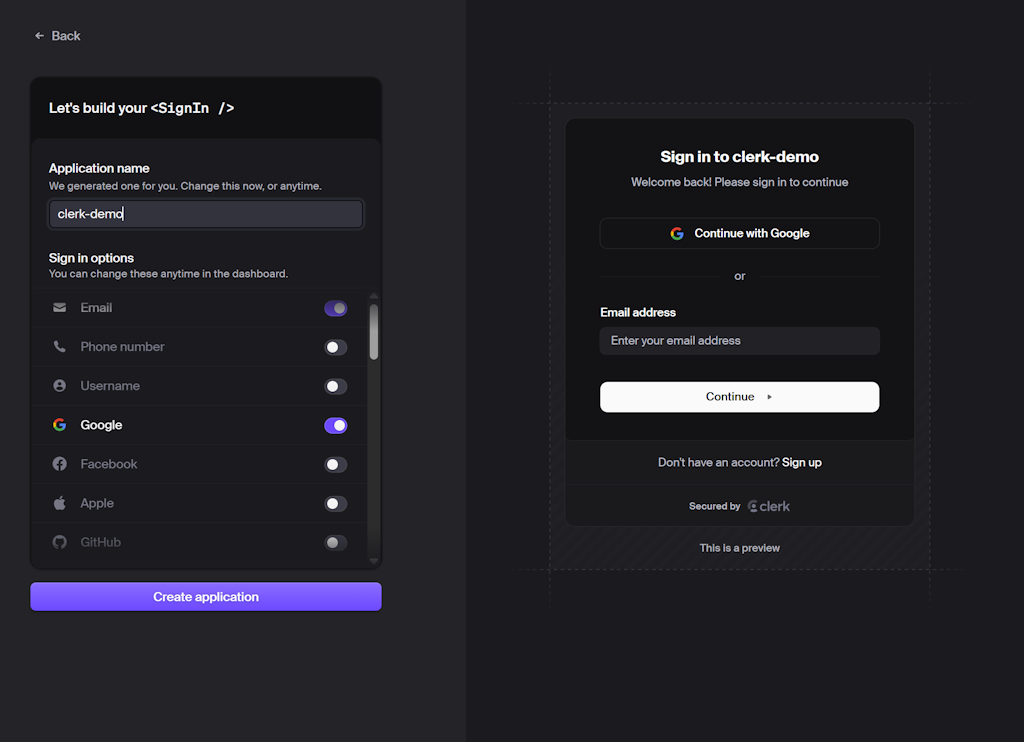
Users can:
- Sign up with Google
- Use email/password
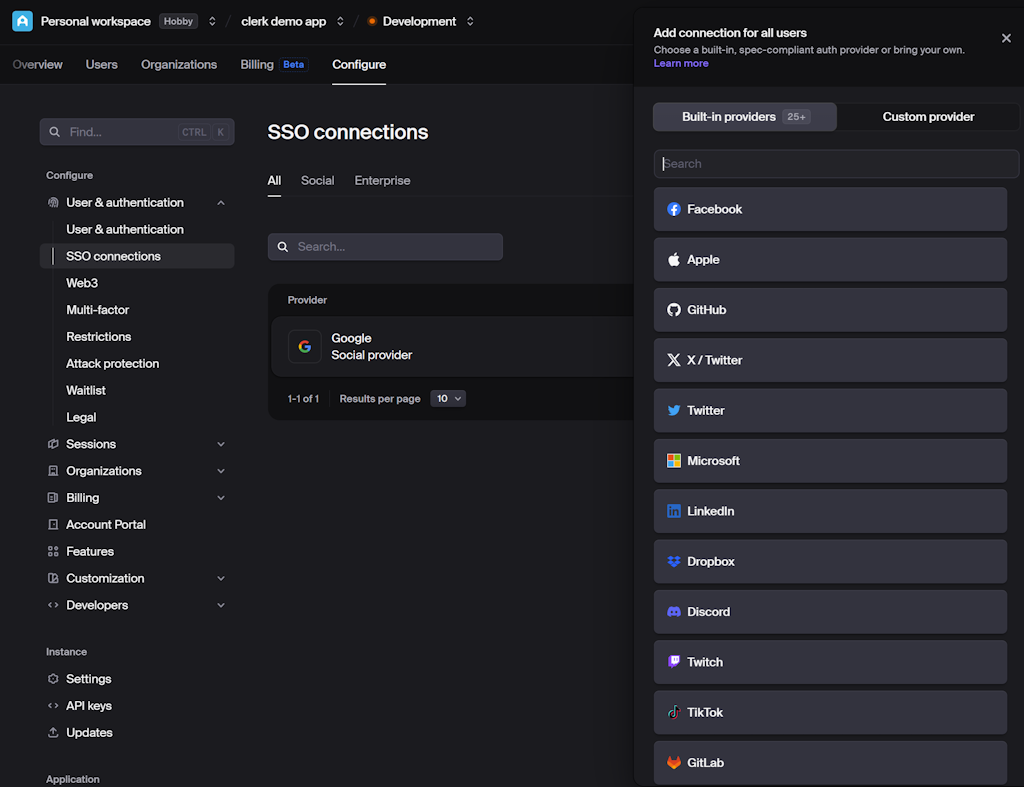
- Add more providers via the Clerk dashboard
Clerk dashboard
Once users sign up, they can be managed in the dashboard:
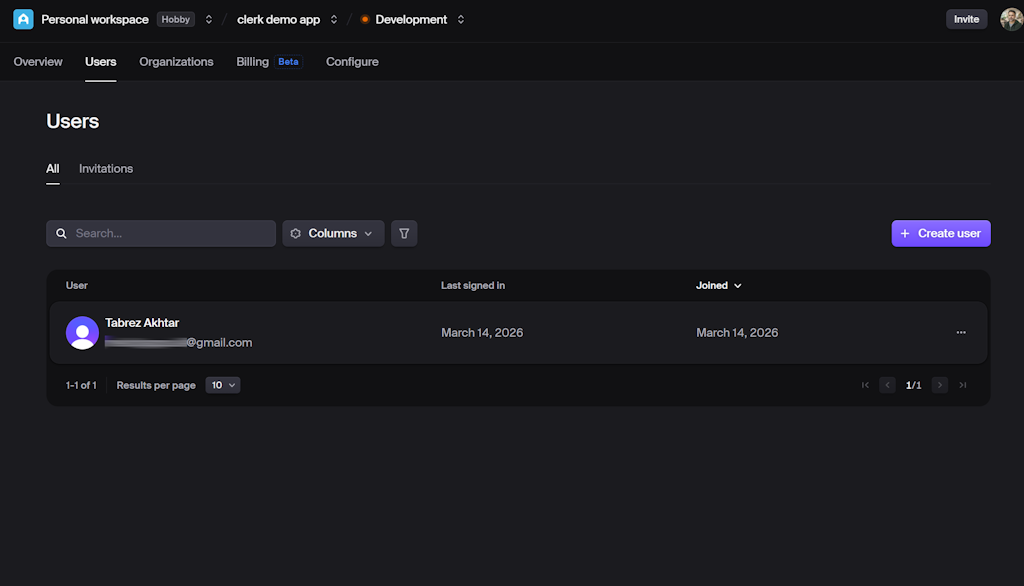
Features include:
- Viewing users
- Deleting or banning accounts
- Monitoring activity
Additional options include:
- Multiple SSO providers (Google, GitHub, etc.) can be added from the dashboard
Mobile support
Clerk isn’t just for web apps. It also supports:
- React Native
- Expo
- iOS (Swift)
- Android (Kotlin)
- Flutter
This enables:
- Centralized authentication across platforms
- Shared users, roles, and permissions
- Consistent authentication across web and mobile applications
Summary
Clerk provides:
- Prebuilt authentication UI
- Secure session handling
- User management dashboard
- SSO and social login support
- Cross-platform support
Building authentication from scratch remains a valuable learning exercise. However, for teams prioritizing rapid feature development, Clerk significantly reduces implementation complexity.